
Here's How to Check Your Autosweep and EasyTrip RFID Balance
It's easy with a little guidance.
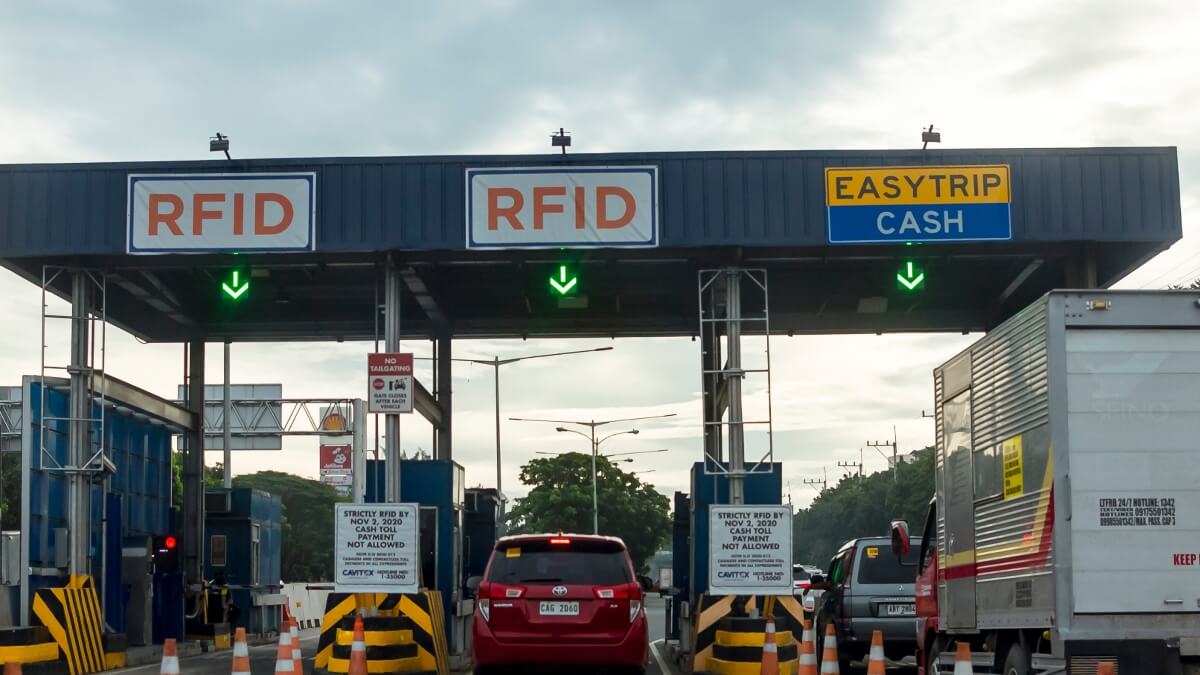
(SPOT.ph) So now that RFID is here, it's likely what you use to get through our pay-to-use highways (why else would you have clicked on this article?). We're sure there's one thing on your mind as you near a tollgate: Do I have enough balance? Accesing your digital balances, especially if you’re already on the road, can be quite the hassle. For the less tech savvy, navigating Easytrip and Autosweep might even be a bit of an enigma.
The good news is that you’ll only need a phone—and some guidance.
A quick refresher: Easytrip tags can be used in NLEX, SCTEX, CAVITEX, C5 Link, and CALAX, while Autosweep can be used in Skyway, SLEX, STAR, TPLEX, and NAIA Expressway. Motorists blocking the flow of traffic at the RFID lane caused by insufficient load will be issued a ticket for “obstruction” so make sure to keep mind of your balance before going on a road trip.
Also read: How to Reload Easytrip RFID via Smart, TNT
How to check RFID Easytrip balance
There are five ways to check your Easytrip balance using your phone:
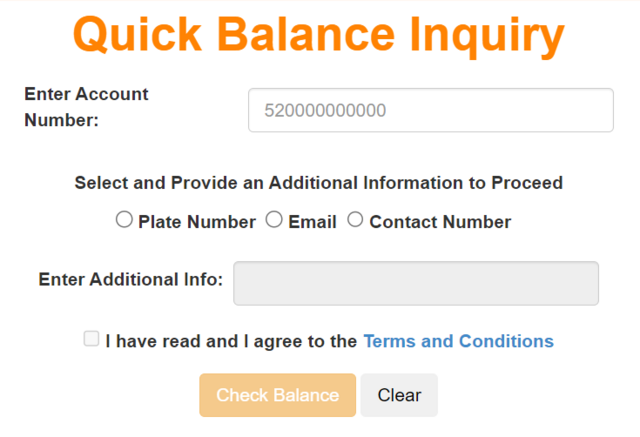
Quick Balance Inquiry
The Easytrip website has a “Quick Balance Inquiry” pop up where you’ll have to enter your account number. Provide additional information such as plate number, email, or contact number and agree to the terms and conditions to proceed.
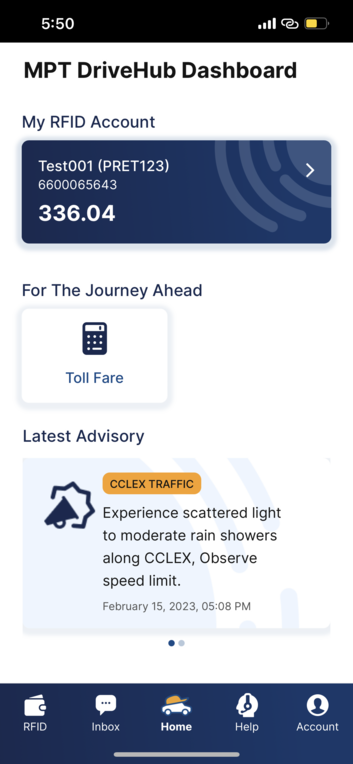
MPT DriveHub
Easytrip balances can be accessed through the MPT DriveHub app.
You’ll only need to register your payment information once then top up through mobile wallets like GCash and Maya. As a bonus, MPT DriveHub doubles as a directory to find the nearest gas stations, restaurants, and restrooms along highways. It’ll let you in on traffic updates in real time, too.
You can download MPT DriveHub on iOS and Android.
Also read: ICYMI, Easytrip Users: This App Lets You Check Your RFID Balance in Real Time
SMS Balance Inquiry
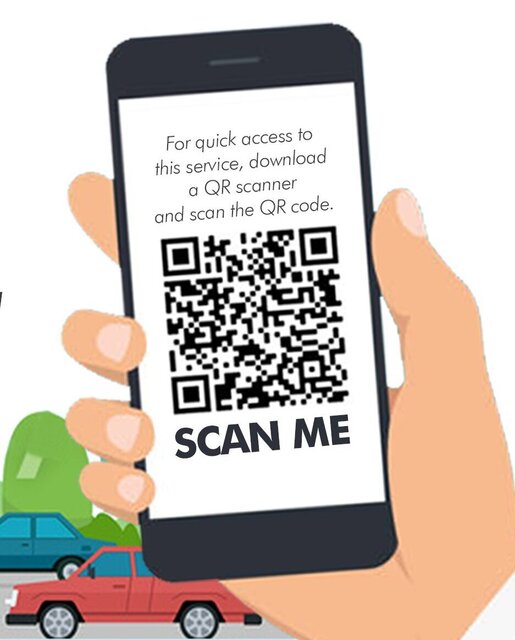
Don’t have internet connection? Just text BAL
You can scan this QR code below for quick access to this service:
Hotline
Even less techy than texting a number is calling a hotline. Motorists can call the landline 1-35000 for a more straightforward process. Simply press 1 for Easytrip, then select Balance Inquiry to know yours.
Customer Account Management System
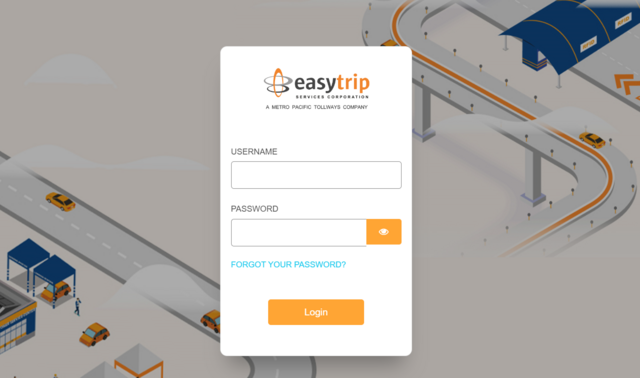
Here’s a lengthier version of the Quick Balance Inquiry. Enter the Customer Account Management System through the myeasytrip website by inputting username and password. You’ll have to register a myeasytrip account.
Here, you can also monitor transactions and generate your statement of accounts.
Also read: One RFID, Two Accounts: Here's Where Easytrip Users Can Register for Autosweep
How to check RFID Autosweep balance
There are three ways to check your Autosweep balance using your phone:
SMS Balance Inquiry
Don’t have internet connection? Just text AUTOSWEEP
Globe users can text 0917-860-8655, while Smart users can text 0918-860-8655.
Autosweep Mobile
Register your email or use your existing Autosweep web portal account credentials to log in. Inside, “Balance Inquiry” and “Statement of Account” can easily be accessed with one click of a button.
You can download Autosweep Mobile App on Android.

UPDATED (August 10, 2023): This article was updated to correct that only Easytrip balances can be accessed through the MPT DriveHub app.